Your privacy when using shopping apps: what FOUND collects, and what it doesn't
What FOUND collects (your phone number, up to 12 frames, what you save) and what it doesn't, how deletion works, plus privacy tips for any shopping app.
On this page
The short answer
FOUND uses your mobile number to sign you in, uploads only up to 12 still frames from a video (never the full video), and deletes those frames within 24 hours. It never asks for your Instagram login, shows no ads, and lets you delete your account and data from the app at any time.
Key takeaways
- Sign-in is your mobile number and a one-time password (OTP). No passwords, no Instagram login.
- Only still frames are uploaded, never your video, and they’re deleted within 24 hours.
- Delete your account and data in the app (Home, then profile, then Delete account) or at /account/delete.
- FOUND shows no ads. Some store links may be affiliate links.
- For any app: grant only the permissions it needs, never share an OTP, and check how to delete your data before you sign up.
Shopping apps see a lot about you: what you like, what you almost bought, sometimes your photos. It’s reasonable to ask what happens to all of it. Here’s a plain account of what FOUND collects and why, followed by tips you can use with any shopping app. For the legal details, our privacy policy is the full reference.
What does FOUND collect?
Only what it needs to do its job.
Your mobile number. FOUND signs you in with your mobile number and a one-time password (OTP), using Firebase Authentication. Your number identifies your account, so your saved looks stay yours.
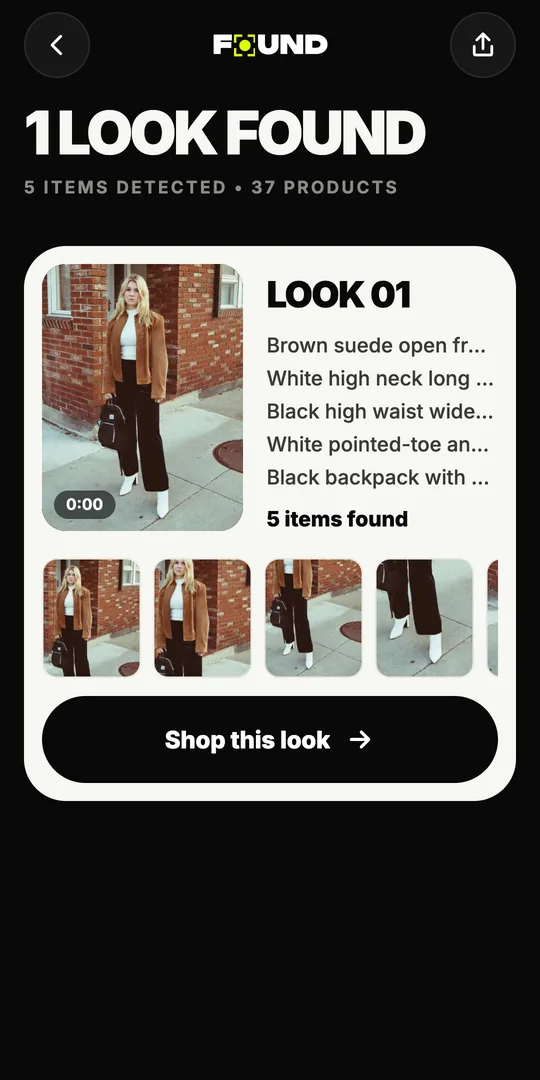
Still frames from the videos you send. When you share a Reel or upload a video, the app picks up to 12 still frames on your phone and uploads only those. They’re used to find the outfits and pieces in the video.
What you choose to save. If you save a look or a product, FOUND keeps it so you can come back to it later.
What doesn’t FOUND collect?
- Your Instagram login. FOUND never asks for your Instagram username or password. You share a public Reel’s link, the same way you’d send it to a friend.
- Your full videos. The video stays on your phone. Only the frames are uploaded.
- Private Reels. FOUND works with public Reels only. It can’t see content that’s restricted to an account’s followers.
- Data for ads. FOUND shows no ads.
What happens to the frames you upload?
They’re deleted within 24 hours. The frames exist so the AI can find the outfits and search for products. Once that’s done, there’s no reason to keep them. If you want to know what the frames are used for, step by step, read how outfit-finding AI works.
Frames, not videos. Gone within a day. Your Instagram password never enters the picture.
How do you delete your account and data?
You can do it yourself, at any time:
- In the app: go to Home, tap your profile, then tap Delete account.
- On the web: visit found.clikit.store/account/delete.
Deleting your account removes your account and the data that goes with it, including your saved looks and products.
Does FOUND make money from links?
Some links to stores may be affiliate links. That means a store may pay Sitio Labs a commission if you buy something after following a link from FOUND. You always pay on the store’s own website. FOUND doesn’t take payments.
What should you check in any shopping app?
These habits are worth keeping whichever apps you use.
Grant only the permissions an app needs
A shopping app rarely needs your contacts, your microphone or your precise location. When an app asks for access to photos, choose the option to share only selected photos if your phone offers it. You can review and revoke permissions at any time in your phone’s settings.
Never share an OTP
An OTP is a key to your account. No genuine company will ask you to read one out over a call or send it in a chat. If someone asks, it’s a scam.
Pay only on the store’s own site or app
Before you pay, check the web address. Be wary of payment links that arrive by message, and of sellers who ask you to pay outside the store.
Know how to leave before you sign up
A trustworthy app tells you how to delete your account. Look for it in the app’s settings and its privacy policy. If it’s hard to find, that tells you something.
Read the privacy policy, quickly
You don’t need to read every word. Look for four things: what is collected, why, how long it’s kept, and how to delete it.
Know your rights
India’s Digital Personal Data Protection Act, 2023 gives individuals rights over their personal data, including asking for it to be corrected or erased. A company’s privacy policy should explain how to make such requests.
A quick privacy checklist
- Sign-in method is one you’re comfortable with
- Only necessary permissions granted
- You know what’s uploaded and how long it’s kept
- You know how to delete your account
- Payments happen only on the store’s site
- You never share OTPs
The short version
FOUND uses your phone number to sign you in, uploads only a few frames, deletes them within 24 hours, never touches your Instagram login, and lets you delete everything in a few taps. If that sounds like the kind of app you’d trust, get FOUND on Google Play. New here? Start with how to find clothes from an Instagram Reel.
Seen it in a Reel?
Find it.
Share any public Instagram Reel to FOUND. It finds every piece and shows where to buy it from Indian stores. Free on Android.